Best Time to Post on Instagram for Small Business
Learn how small businesses can choose Instagram posting windows for reach, engagement, local discovery, and sales without guessing.
Quick Answer
The best time to post on Instagram for a small business is the window when your real buyers are most likely to notice, save, message, or click. For many small businesses, useful starting windows are lunch, late afternoon, and early evening in the audience's local time.
Use the Instagram posting time calculator to convert those audience windows into your own local posting timezone.
Find an Instagram time for your business
Choose audience country, content type, niche, and goal to get a practical local posting window.
Calculate My Best Time
Why Small Businesses Need a Different Answer
Small businesses do not only need likes. A coffee shop, salon, studio, agency, or online store needs useful actions: profile visits, website taps, DMs, saved posts, bookings, and repeat customers.
That changes the way you choose a time. A generic benchmark might say that a certain hour gets high engagement, but a business post should be judged by whether the right people had enough attention to act. A lunch window can work when people are choosing where to go. An evening window can work when they have time to browse, compare, and save.
Starting Windows by Business Goal
| Goal | Useful audience window | What to measure |
|---|---|---|
| Local awareness | Morning or lunch | Profile visits, map clicks, shares |
| Product interest | Afternoon or evening | Saves, carousel swipes, product page taps |
| Bookings or messages | Lunch or after work | DMs, contact taps, booking link clicks |
| Weekend traffic | Thursday or Friday | Story replies, saves, offer clicks |
If your customers are local, use their timezone. If you sell nationally or globally, use the timezone of the buyer segment you care about most.
What to Post in Each Window
Morning is useful for simple updates: opening hours, daily specials, reminders, and behind-the-scenes posts. Do not make the post too demanding if your audience is commuting or starting work.
Lunch is useful for offers, local decisions, and short carousels. A restaurant, gym, coworking space, or salon can use lunch to catch people while they are making plans.
Evening is useful for browsing and comparison. This is a better window for product posts, service explainers, testimonials, before-and-after posts, and Reels that need watch time.
A Simple Testing Plan
Choose two windows for two weeks. For example, test Tuesday lunch and Thursday evening. Keep the format similar so the time is the variable, not the creative.
Track these numbers:
- Reach and impressions.
- Saves and shares.
- Profile visits and follows.
- Website clicks, DMs, bookings, or sales.
- First-hour activity.
Do not choose the winner from one post. Small business results can swing because of weather, local events, paydays, holidays, or the offer itself.
Common Mistakes
The first mistake is posting when the owner has time instead of when buyers have attention. Convenience is not a strategy.
The second mistake is using one time for every format. A Story reminder, a product Reel, and a testimonial carousel may need different windows.
The third mistake is judging only likes. A post with fewer likes but more bookings is the better business post.
Internal Links to Use Next
If you are not sure whether to use your own timezone or the audience's timezone, read this timezone guide. If you want a repeatable process, use the two-week testing plan.
For day-specific planning, check Instagram Monday, Instagram Friday, and Instagram today.
FAQ
Should a small business post every day on Instagram?
Only if quality stays high. Three useful posts per week can outperform seven rushed posts.
Is evening better than morning for business posts?
Evening can be better for browsing and decision-making, while morning can work for reminders and local updates. Test both.
Should local businesses use local time?
Yes. If customers are local, optimize for their local routine first.
How long should the test run?
Run each window for at least two weeks before making a decision.
Editorial validation framework
How to turn this guide into a real posting-time test
This article should be used as a decision framework, not as a fixed promise that one hour will work for every account. The practical question is whether a Instagram window gives your specific audience enough attention to notice the post, understand it, and take the action you care about.
For local or small-business buyers, the useful test is to connect timing with behavior. A post designed for quick reach should be judged differently from a post designed for saves, profile visits, replies, bookings, or sales. That is why BestTimeToPost separates audience timezone, content format, publishing timezone, and goal before recommending a window.
1. Define the audience
Choose the country, region, or buyer segment that matters most for this post. Use customer local time because the post often supports a real-world decision.
2. Keep one variable steady
Compare similar feed, story, carousel, or video posts before changing the schedule. If topic, hook, offer, and timing all change at once, the result is hard to trust.
3. Review the right metric
Use profile visits, messages, bookings, calls, and local actions as the primary signal, then compare secondary signals such as comments, shares, follows, clicks, and conversions.
| Check | Why it matters | Action |
|---|---|---|
| Search intent | The reader wants a practical Instagram timing decision, not a generic benchmark list. | Give the calculator inputs that match the actual post and audience. |
| Content format | Different feed, story, carousel, or video formats create different attention patterns. | Test one format at a time before standardizing the calendar. |
| Business signal | The best window should improve profile visits, messages, bookings, calls, and local actions, not only passive reach. | Write down the primary metric before the post goes live. |
| Retest trigger | Audience mix, creative format, seasonality, and platform behavior can change. | Rerun the test when the audience, goal, or content format changes. |
A simple two-week benchmark
Pick one primary window from the calculator and one backup window. Publish comparable posts in each slot for two weekly cycles. Record the first-hour result, the 24-hour result, and the final result. Keep the slot only when the same pattern appears more than once. This prevents one lucky post, one weak topic, or one unusual day from becoming your entire posting strategy.
Author

Categories
Platform calculators
More Posts
How to Find the Best Time to Post on Instagram
Learn a practical method for finding your own best Instagram posting time without relying only on generic benchmark lists.
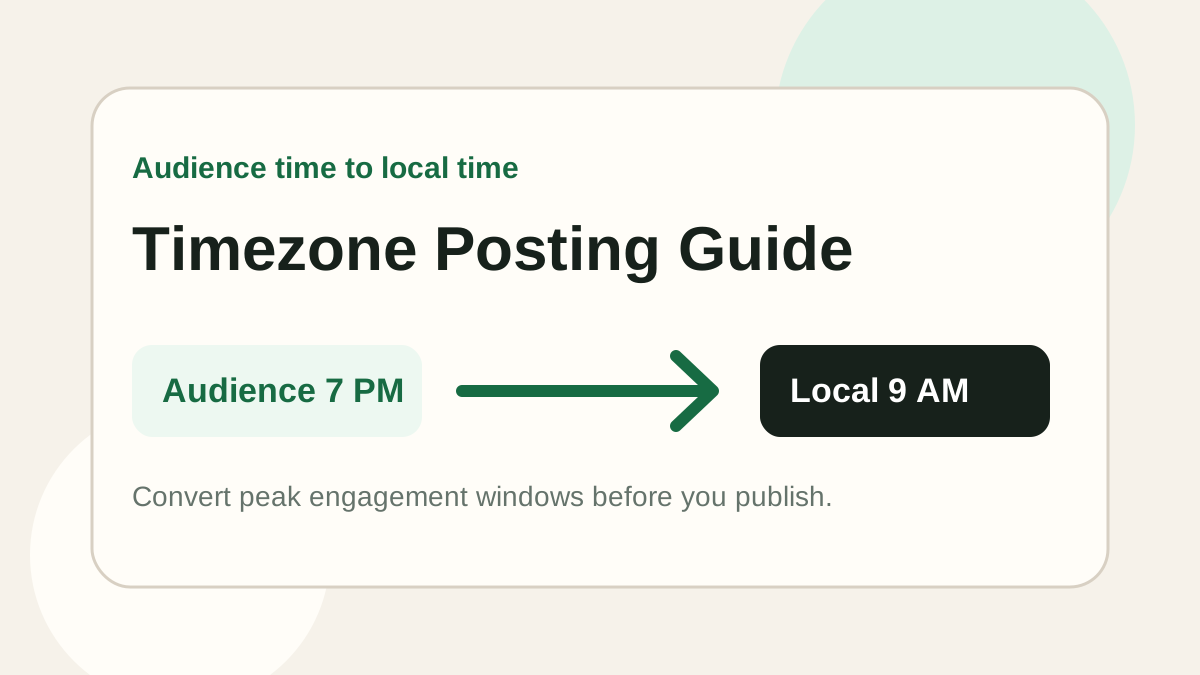
Should You Post Based on Your Timezone or Your Audience's Timezone?
Learn whether you should post based on your own timezone or your audience's timezone, and how to convert audience peak hours into your local posting time.
How to Test Your Best Posting Time in 2 Weeks
A simple two-week framework for testing your best social media posting time with clearer metrics and fewer false conclusions.