What Does 'Best Time to Post Today' Actually Mean?
When a tool says 'best time to post today,' it means the next useful window for your audience. Learn how today pages work and how to use them correctly.
Quick Answer
"Best time to post today" means the next available window when your audience is most likely to engage, based on the current day of the week and the time remaining in the day.
It is not a universal benchmark. It is a context-aware recommendation that changes every day because your audience's behavior changes by weekday.
Find the next usable posting window today
Use a today-focused calculator when you need an actionable local window instead of a static benchmark that may already have passed.
Calculate My Best Time
How "Today" Pages Work
A "best time to post today" page looks at three things:
- The current day of the week. Monday behavior is different from Saturday behavior.
- The current time. If it is already 8 PM, morning windows are no longer relevant.
- Your audience's activity patterns. When are they most active on this specific day?
The result is a window that is both optimal and actionable. There is no point recommending 9 AM if it is already noon.
Try the Instagram Today or TikTok Today pages to see this in action.
Why Today Pages Are More Useful Than Generic Lists
Generic "best time to post" lists give you one set of hours for the entire week. Today pages give you a window that accounts for:
- Day-specific patterns. Your audience may be active at 7 PM on weekdays but 10 AM on weekends.
- Remaining daylight. A 6 AM recommendation is useless at 5 PM.
- Platform differences. Instagram and TikTok have different peak windows even on the same day.
When to Use a Today Page
Use a today page when:
- You have content ready to publish and need a quick decision.
- You want to post reactively (trending topic, breaking news, timely content).
- You are testing different days and want day-specific guidance.
Do not use a today page when:
- You are planning a week-long content calendar. Use weekday-specific pages instead.
- You are running a structured timing test. Use a consistent window for the full test period.
How Today Pages Differ by Platform
The Instagram Today page focuses on follower engagement windows. The TikTok Today page focuses on when the test audience is largest.
These are not the same thing. Your Instagram followers may be active at lunch, while TikTok's broader audience peaks in the evening.
How to Use Today Recommendations Correctly
- Check the today page in the morning before you start creating content.
- Note the recommended window for your platform.
- Prepare your content to be ready before that window.
- Post at the recommended time.
- Track the results and compare with other days.
After 2-3 weeks of using today pages, you will start to see patterns. Some days may consistently outperform others.
FAQ
Does "best time to post today" change every day?
Yes. It changes based on the day of the week and the time of day you check it.
Should I follow today recommendations exactly?
Use them as a starting point. If the recommendation is 6 PM but you know your audience responds well at 7 PM, trust your own data.
Can I use the same today page for all content types?
The today page gives a general window. If you post different formats (Reels vs. Carousels), the optimal time may differ slightly. See Instagram Reels vs Posts vs Stories for format-specific guidance.
What if I missed the best time today?
Post at the next available window. Consistency matters more than hitting the perfect time every single day.
Editorial validation framework
How to turn this guide into a real posting-time test
This article should be used as a decision framework, not as a fixed promise that one hour will work for every account. The practical question is whether a Instagram window gives your specific audience enough attention to notice the post, understand it, and take the action you care about.
For your target audience, the useful test is to connect timing with behavior. A post designed for quick reach should be judged differently from a post designed for saves, profile visits, replies, bookings, or sales. That is why BestTimeToPost separates audience timezone, content format, publishing timezone, and goal before recommending a window.
1. Define the audience
Choose the country, region, or buyer segment that matters most for this post. Use audience time as the starting point, then convert it into your local publishing time.
2. Keep one variable steady
Compare similar feed, story, carousel, or video posts before changing the schedule. If topic, hook, offer, and timing all change at once, the result is hard to trust.
3. Review the right metric
Use the metric that matches the goal of the post as the primary signal, then compare secondary signals such as comments, shares, follows, clicks, and conversions.
| Check | Why it matters | Action |
|---|---|---|
| Search intent | The reader wants a practical Instagram timing decision, not a generic benchmark list. | Give the calculator inputs that match the actual post and audience. |
| Content format | Different feed, story, carousel, or video formats create different attention patterns. | Test one format at a time before standardizing the calendar. |
| Business signal | The best window should improve the metric that matches the goal of the post, not only passive reach. | Write down the primary metric before the post goes live. |
| Retest trigger | Audience mix, creative format, seasonality, and platform behavior can change. | Rerun the test when the audience, goal, or content format changes. |
A simple two-week benchmark
Pick one primary window from the calculator and one backup window. Publish comparable posts in each slot for two weekly cycles. Record the first-hour result, the 24-hour result, and the final result. Keep the slot only when the same pattern appears more than once. This prevents one lucky post, one weak topic, or one unusual day from becoming your entire posting strategy.
Author

Categories
Platform calculators
More Posts
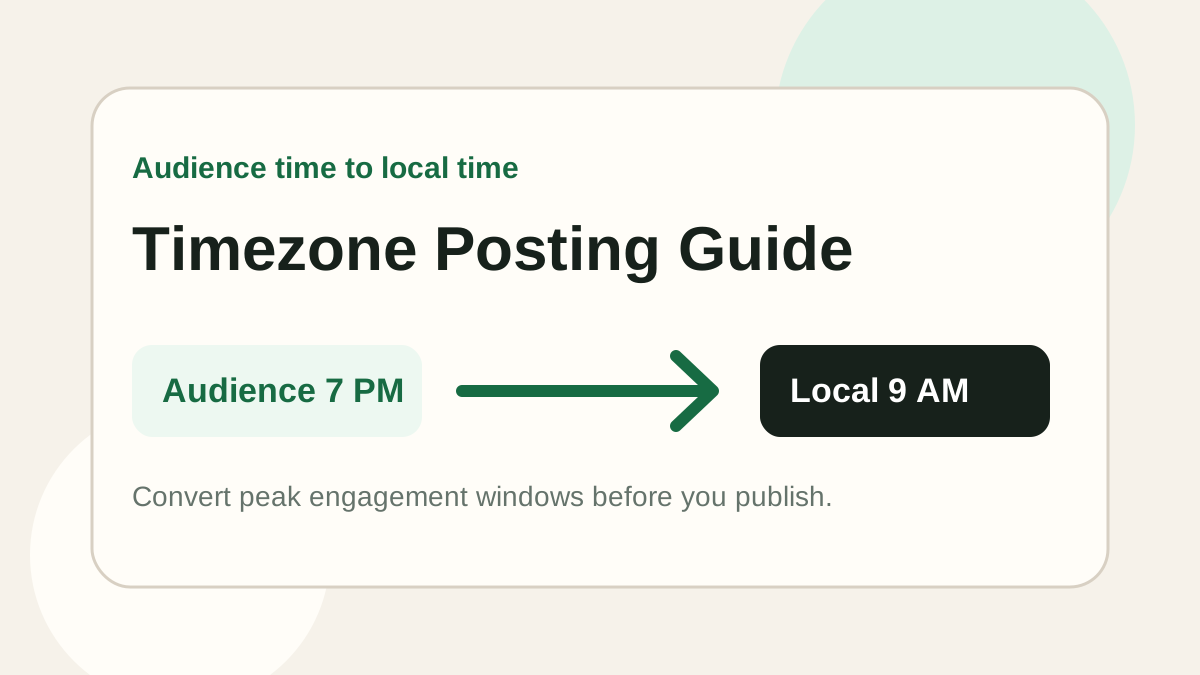
Should You Post Based on Your Timezone or Your Audience's Timezone?
Learn whether you should post based on your own timezone or your audience's timezone, and how to convert audience peak hours into your local posting time.
How to Find the Best Time to Post on Instagram
Learn a practical method for finding your own best Instagram posting time without relying only on generic benchmark lists.
How to Test Your Best Posting Time in 2 Weeks
A simple two-week framework for testing your best social media posting time with clearer metrics and fewer false conclusions.